
Computer Vision
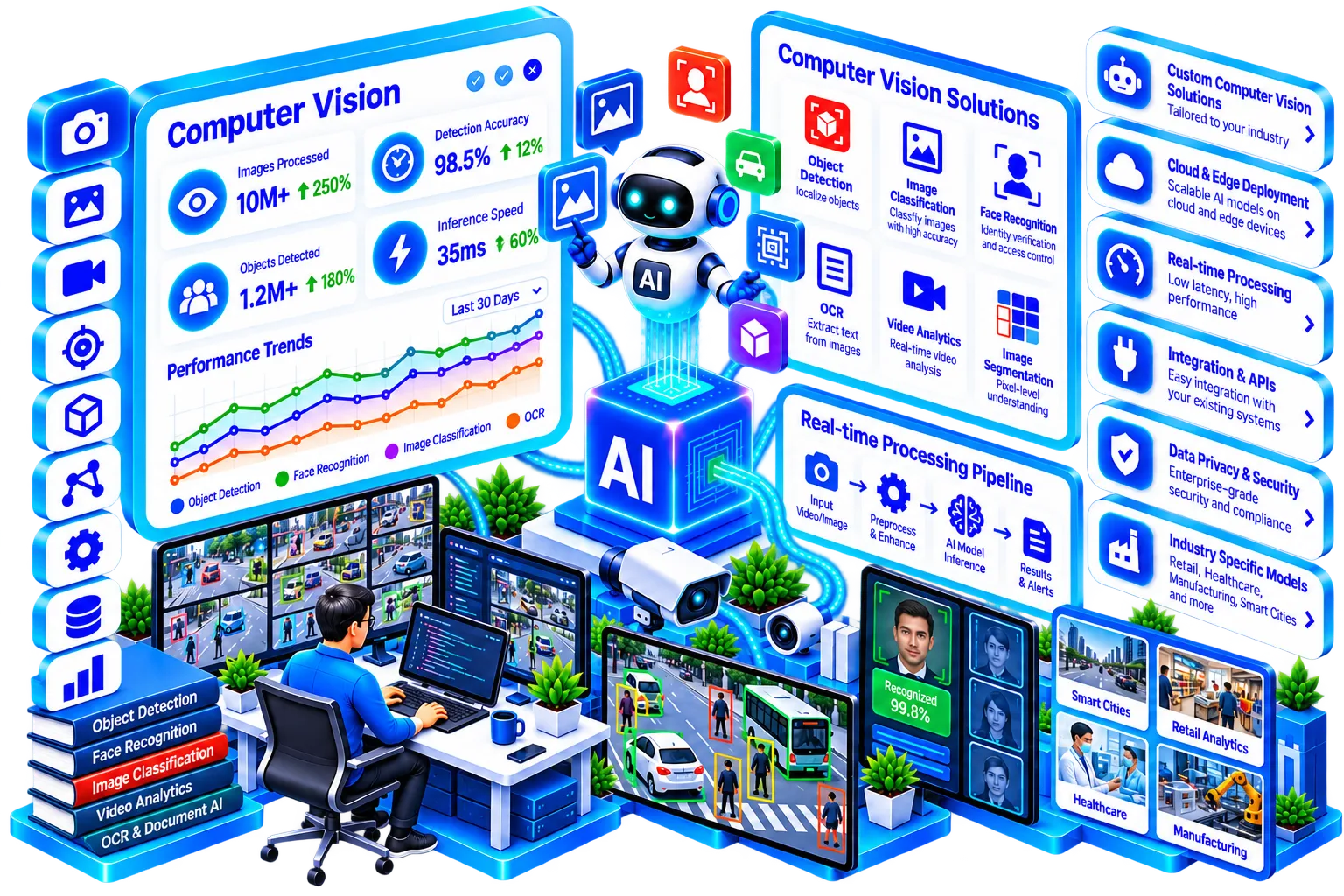
Why Computer Vision
- A vision model trained and tested on your own images
- A measured accuracy for the exact task, stated plainly
- Integration with your cameras, scanners or existing systems
- Clear rules on retention, storage and access
- Monitoring, and retraining as products or conditions change
Computer vision lets software understand what a camera or scanned document actually shows — a defect on a production line, a face at a gate, a number on an invoice.
DashCloud builds vision systems scoped to a specific, measurable task rather than open-ended "AI cameras" — inspecting one product type, reading one document format — because accuracy and reliability come from a tight scope, not a general-purpose model doing everything at once.
Inside Computer Vision
Video analytics and surveillance AI
Real-time analysis of camera feeds for counting, zone monitoring or event detection, built for a specific use case rather than generic surveillance.
- →Counting, zone monitoring or event detection
- →Built for one specific use case
- →Alerts for the events you define
OUTPUT Video analytics for one use case
Face and object recognition
Identifying and tracking specific people or objects across a feed, with clear rules on retention and privacy.
- →Identify and track specific people or objects
- →Clear rules on retention and privacy
- →Access limited to who needs it
OUTPUT Recognition with privacy rules
Visual quality inspection
Automated defect and quality detection on a production line, trained on your actual products and failure modes.
- →Defects found on the line automatically
- →Trained on your actual products and failure modes
- →Flags for a person to confirm
OUTPUT Inspection model for your product
OCR and intelligent document processing
Extracting structured data from scanned forms, invoices and IDs — turning a stack of documents into a usable dataset.
- →Forms, invoices and IDs read automatically
- →Fields captured as structured data
- →Highest accuracy on the formats you use
OUTPUT Documents turned into a dataset
Where cameras and scans become usable data
Production line inspection
Catch defects on a line automatically, with a person confirming what is flagged.
Counting and footfall
Count people, vehicles or items in a defined area without anyone watching a screen.
Zone and safety monitoring
Alert when something happens in a restricted area or a safety rule is broken.
Invoice capture
Read scanned invoices and post the fields without manual re-keying.
ID and form reading
Extract details from IDs and application forms into your system.
Shelf and stock checks
Check shelves and stock from images and flag gaps or misplaced items.
Built around real teams
Manufacturing teams
Catch defects on the line automatically instead of relying entirely on manual inspection.
- Which defects matter most to catch?
- How do we show a person what was flagged?
- What happens to the flagged item?
Operations and security teams
Monitor a facility for specific events without watching every camera feed manually.
- Which events do we need to know about?
- How do we avoid watching every feed?
- How long should footage be kept?
Back-office teams
Turn scanned invoices and forms into structured data without manual re-keying.
- Which document formats come in most?
- Which fields must be right?
- How are exceptions reviewed?
From sample images to a working vision system
- 01
Discover
Define the exact detection task and gather sample images or footage to validate feasibility.
Output: Defined task and sample set - 02
Prototype
Train and test against your real images before any hardware or integration commitment.
Output: Model tested on your real images - 03
Build
Integrate with your cameras, scanners or existing systems and tune for production accuracy.
Output: System connected to cameras or scanners - 04
Deploy & support
Roll out with monitoring, and retrain as conditions or products change.
Output: Live system with monitoring
Prove one task, or run it across the line
Single-task pilot
Prove one detection or reading task on your own images.
- ✓One clearly defined task
- ✓Training on your real images
- ✓A measured accuracy
- ✓No hardware commitment yet
Production rollout
Take a proven task into daily use across your cameras or scanners.
- ✓Integration with cameras or scanners
- ✓Tuning for production accuracy
- ✓Review and confirm workflow
- ✓Monitoring after launch
Retraining and care
Keep the system accurate as products, lighting and formats change.
- ✓Regular accuracy checks
- ✓Retraining on new images
- ✓New products or formats added
- ✓Support when results slip
What we work with
 Python
 OpenCV


 Cloud AI platforms (AWS / Azure / GCP)Edge devicesPythonOpenCVCloud AI platforms (AWS / Azure / GCP)Edge devicesPythonOpenCVCloud AI platforms (AWS / Azure / GCP)Edge devicesPythonOpenCVCloud AI platforms (AWS / Azure / GCP)Edge devicesPythonOpenCVCloud AI platforms (AWS / Azure / GCP)Edge devicesPythonOpenCVCloud AI platforms (AWS / Azure / GCP)Edge devicesPythonOpenCVCloud AI platforms (AWS / Azure / GCP)Edge devicesPythonOpenCVCloud AI platforms (AWS / Azure / GCP)Edge devicesPythonOpenCVCloud AI platforms (AWS / Azure / GCP)Edge devicesPythonOpenCVCloud AI platforms (AWS / Azure / GCP)Edge devicesPythonOpenCVCloud AI platforms (AWS / Azure / GCP)Edge devicesPythonOpenCVCloud AI platforms (AWS / Azure / GCP)Edge devices
Everything you need to know
Still have questions?
Can't find what you're looking for? Talk to our team and we'll point you in the right direction.
Contact usIt depends on the task and training data — we validate against your real images before committing to production and are direct about where accuracy currently stands.
Often standard cameras are sufficient; specialized hardware is only recommended when the task genuinely needs it (e.g. specific lighting or resolution).
We scope retention, storage and access rules with you up front — see also AI Security & Governance for compliance-heavy deployments.
Yes, OCR and document processing can be trained across multiple document formats, though accuracy is highest when scoped to formats you actually use.